
Upgrade your outdated security system to an intelligent Ajax system.
Why would you need to replace your existing security system if you already have one? The truth is, modern security systems have far surpassed traditional ones. Today's smart systems offer far more features and functions than just simple alarms. Upgrading your old wired system means you have...


Why would you need to replace your existing security system if you already have one? The truth is, modern security systems have far surpassed traditional ones. Today's smart systems offer far more features and functions than just simple alarms. Upgrading your old wired system means you have access to advanced features like remote monitoring, automation capabilities, and seamless integration with other devices in your home.
One compelling reason to upgrade is enhanced security. Modern systems offer real-time alerts, remote access, and the ability to monitor your home from anywhere. The limitations of a wired system will no longer hold you back.
Furthermore, smart security systems offer unimaginable convenience. Imagine being able to control your security system remotely via your smartphone or tablet. Need to activate the system before leaving home? You can do that with just a few taps on your phone.
Furthermore, smart systems can integrate with other devices in your home, creating a powerful and efficient ecosystem. Imagine your lights automatically turning on when they detect motion.
How to determine what upgrades you need for your security system:
Assessing the security of your home can be done through the following specific approach:
1. Imagine you are an intruder.
Start by imagining yourself as a potential intruder. Think about how you would attempt to break into your home. Where would you look for valuables? Consider challenging scenarios, such as removing security equipment to gain access to a safe located in the basement.
2. Evaluate your escape plan.
Consider how you would escape the house as an intruder to identify potential vulnerabilities.
3. Identify areas for improvement.
If the answers to the previous questions seem obvious, they suggest there is room for improvement in your home security measures. This realization is important because it encourages you to take action.
4. Prepare for worst-case scenarios.
Imagine a worst-case scenario: an intruder approaches your home, steals valuables, or even sets your house on fire. Ask yourself how much time, effort, and money you would spend to prevent that from happening.
5. Evaluate your current security system.
To determine if an upgrade is possible, assess your current security system. Check if your current security provider can offer the desired upgrades.
6. Consider the convenience of staying with your current supplier.
If your current supplier can meet your upgrade needs, purchasing additional equipment from the same company can be convenient. This simplifies the upgrade process and ensures compatibility.
7. Explore device compatibility.
If your current vendor cannot meet your upgrade requirements, explore equipment options compatible with your existing system. Some security companies design their systems to work with equipment from various brands.
8. Seek expert advice (this is the top priority).
Professionals who handle daily space security know how to best protect their families and property. The placement of equipment, the type of equipment, and all the configurations are things a professional will help you with.
With this approach, you can systematically assess your home security system and take steps to improve it, perhaps through upgrading the current system or adding new devices.
So why choose an intelligent system?
Smart security systems offer enhanced safety and convenience through automation and integration with other smart devices. These systems include smart locks, control panels, switches, and more, creating a more efficient and secure smart home environment.
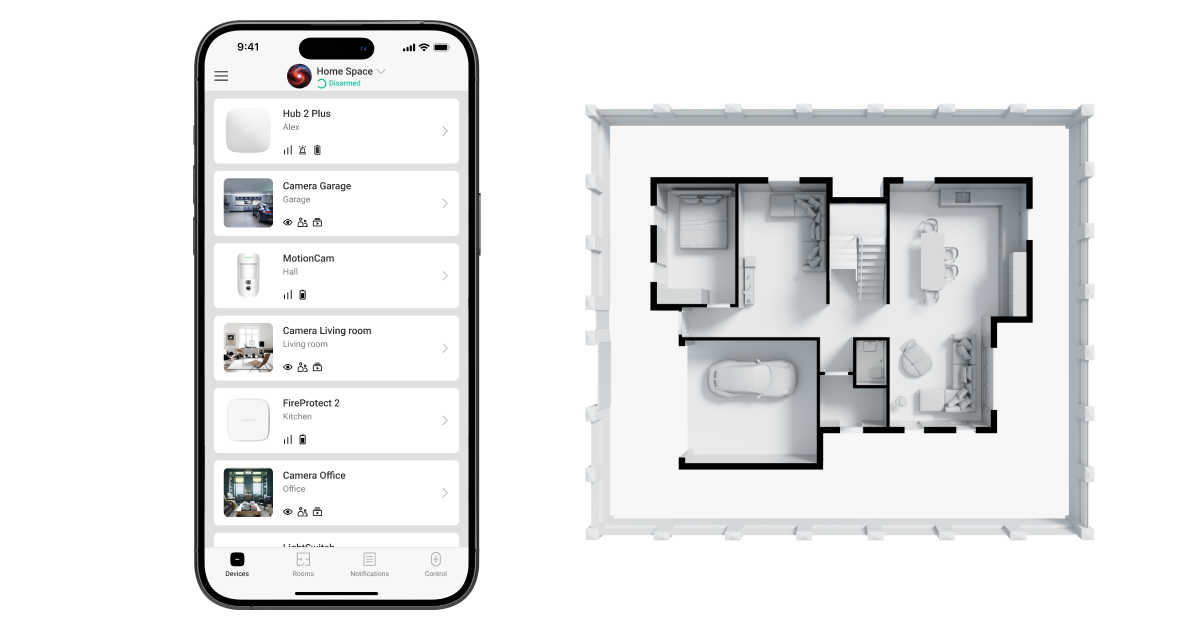
Automation allows you to control your home according to your own rules, such as turning systems on or off, and smart switches control lighting according to user-friendly scenarios.
Advanced technologies like Ajax provide comprehensive monitoring and protection against intrusion, flooding, and fire hazards. These systems are user-friendly and integrate seamlessly with other smart devices, enhancing the safety and efficiency of your home.
Upgrade your home security system.
Let's consider a real-world scenario. Imagine you have an outdated wired security system in your home. You're considering upgrading, but worried about the cost. Ajax offers a cost-effective solution by allowing you to keep some of your existing sensors.
A fundamental approach to upgrading your home is to integrate older wired sensors with newer wireless ones. This method saves you money and brings modern security features to your home.
First, a careful assessment of your existing sensors is performed. The goal is to determine which sensors can be integrated into the new wireless system. In many cases, door/window open sensors, motion sensors, and smoke sensors can be reused.
Next, the Ajax MultiTransmitter is installed. This device acts as a bridge between your old wired sensors and the new wireless control panel. It converts signals from your existing sensors into a format the control panel can understand. Here's what you need to know about this device:

1. Uninterrupted power supply
In the event of a power outage, the Ajax MultiTransmitter switches to power from a backup battery with a capacity of 4 or 7 Ah. This ensures continuous operation and immediately notifies the security company and users of the power failure. This backup power method ensures that your security system remains operational even during a power outage.
2. Complete information about the warning.
In the Ajax application, users can easily configure devices, including rooms, groups, device types ("sensors"), and alert types. As a result, users receive clear notifications about when and where alerts occur. The security company receives the correct alert code, making it easier for them to respond when an alert is triggered.
3. Enhanced protection against unauthorized access.
This module features two anti-tampering buttons that sense the opening of the casing and the removal of the device from the surface. These functions immediately detect any attempt to open the casing and enhance the security system's protection against unauthorized access.
Therefore, Ajax MultiTransmitter provides 18 zones for connecting third-party sensors. The Fibra Transmitter is a compact yet powerful module designed to integrate a single third-party device into the Ajax system.

The Fibra transmitter boasts incredibly diverse features. It supports all connection types, including three EOL options, and provides ten event types for connected devices. It can be remotely configured and continuously reports its status to the central control center. Even measuring end-of-line resistance values and automatically saving them in the settings saves engineers hours of work on large projects.
To simplify the process of creating and updating security systems of any type, Ajax Systems has developed LineSplit. This is a groundbreaking module that splits a Fibra line into four, allowing you to install it at any point along the Fibra line, even after another LineSplit. Each output line can extend up to 2 km, making upgrades or installations more flexible.
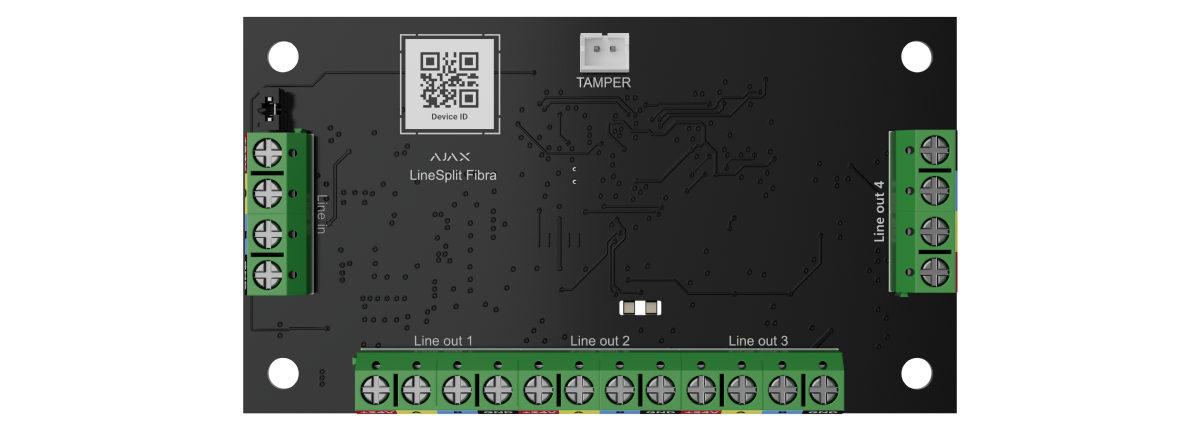
In particular, splitting the lanes with LineSplit does not affect the reliability and response speed of the system to alerts.
Ajax understands that power supply can be a problem with high-impedance cable lines. That's why LineSupply was created. This module provides power to Fibra devices in two versions: a 45-watt module with a single output and a 75-watt module with two outputs.
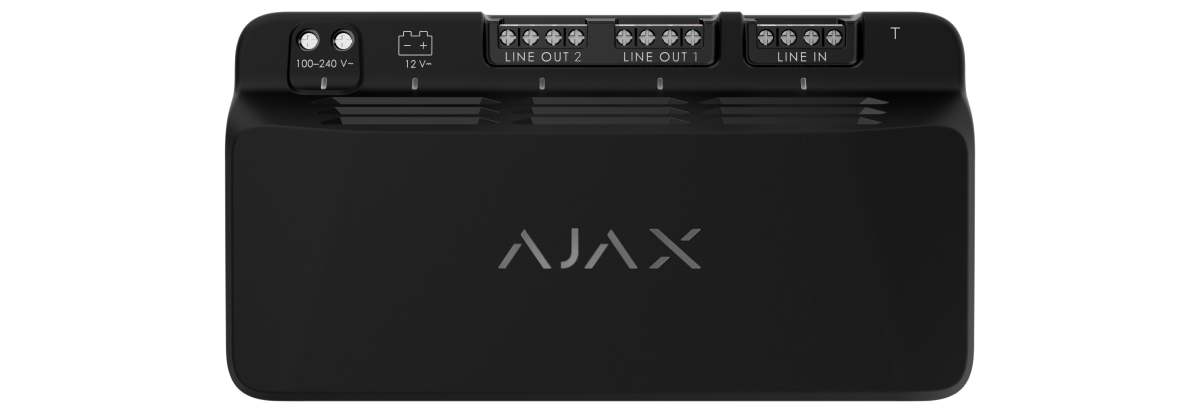
Each outlet line can extend up to 2km, but LineSupply extends the total length of the line to tens of kilometers, covering areas such as factories, farms, or resort communities.
LineSupply can be configured remotely, like all other Ajax devices, and its status is available 24/7 through a user-friendly application.
Adding new wireless components also requires replacing the old control panel so that it can work with the new wireless equipment. This step ensures continuous communication between all devices.
After integration, you'll receive all the benefits of a modern security system. You can manage your security settings remotely using a mobile app. Get instant notifications on your smartphone in case of any security-related events. You can even integrate your home security system with other electrical devices for increased convenience and automation.
To ensure proper installation and maximum safety, entrust the installation process to a qualified installation engineer. Their expertise can further enhance the reliability and performance of your security system.
Advanced security features
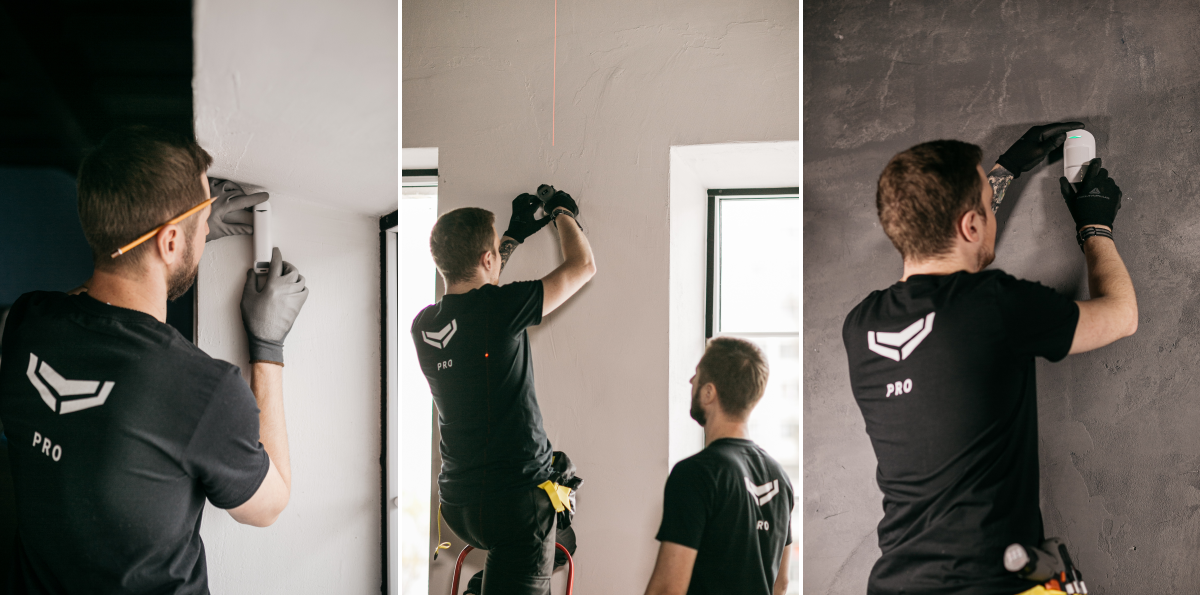
Updating the Ajax-based security system brings additional features and benefits:
Cost-effective: Reusing existing sensors can significantly reduce the overall cost of upgrading your security system. Even if you completely upgrade your system, the cost savings and increased convenience can be substantial in the long term.
Reliability: Ajax-based intelligent security systems provide secure communication, detect unauthorized access, and can operate automatically for extended periods.
Easy to use: The intuitive mobile app makes managing and monitoring your security system effortless. Real-time alerts and notifications inform you of any system events, allowing you to react quickly.
Scalability: If your security needs change, you can expand the system by adding sensors, cameras, or other components. This flexibility ensures that your security system will meet new demands.
Advanced protection: These systems can integrate smoke and water leak detection sensors, enhancing protection against fire and leaks.
Protecting the Future: Ajax-based security systems receive regular firmware updates and enhancements, ensuring your system is always up-to-date with the latest security technologies and features. This helps maintain the effectiveness of your security measures against evolving threats.
How to supplement a wired security system with wireless sensors.
Consider adding external sensors to a wired system. With Ajax, you can easily integrate both systems into a unified configuration. This offers convenience and comprehensive security protection.
Imagine you have a wired security system that effectively covers your entire home. However, you want to extend the security coverage to include outdoor areas, such as your yard or driveway.
Normally, this can be a difficult and expensive process. Wiring security system sensors can be a challenging and costly undertaking. However, with an Ajax-based upgrade solution, this process becomes simple.
Ajax offers a range of exterior and interior wireless sensors to suit various environments. To supplement your existing wired system with wireless sensors, follow these steps:
1. Trust the experts :
When installing a security system or smart home, trusting a professional is the best way to ensure the system is installed correctly and operates most effectively. Below are the steps a professional installer will help you with.
2. Choose the appropriate control panel:
Ajax offers various control panels for connecting new wireless sensors. If you're starting to build a security system from scratch, you can choose the right control panel for your needs with the help of a professional installer and the Ajax hub comparison tool. The Hybrid Hub is the right choice if you're switching from a wired to a wireless security system. It's a control panel that monitors both wired and wireless security systems.
3. Choose the Ajax sensor that best suits your specific needs:
Exterior Ajax motion sensors are ideal for protecting large areas, while door/window opening sensors are suitable for specific entry points within a building.
4. Installing wireless sensors:
Install selected Ajax exterior sensors in key locations around the facility. These sensors are battery-powered and communicate with the Ajax hub wirelessly.
5. System setup:
Use the Ajax mobile app to install the new wireless sensors and integrate them with your existing security system. This step ensures the smooth operation of all components.
6. Set up notifications and automation:
Take advantage of the advanced features of the Ajax system — set up alert notifications to receive alerts on your smartphone when exterior sensors are triggered. You can also set up automation rules, such as turning on exterior lights when motion is detected.
7. System check:
Conduct a thorough inspection to ensure all wired and wireless sensors are functioning correctly. This step ensures that your entire security system provides adequate security coverage.
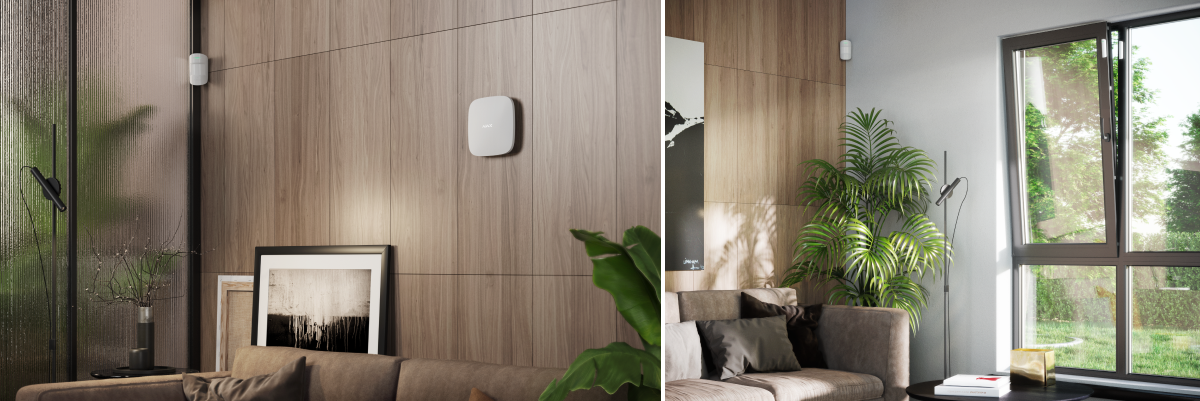
By supplementing your wired security system with wireless sensors, you expand your security zone without the hassle of laying wires. This method not only enhances the security of your home but also provides peace of mind, as you know that open areas on your property are protected.
Conclude
Replacing your old wired security system with a new wireless one is a smart decision that offers many benefits to your home, including advanced features, cost savings, and increased convenience.
With an Ajax-based upgrade solution, the transformation process becomes feasible, smooth, and efficient. You can retain your existing sensors while upgrading your security system and save costs.
Modern systems offer real-time alerts, remote access, automation, and integration with other smart devices. Your home becomes safer, more efficient, and more functional. This isn't just a security upgrade; it's a lifestyle upgrade.