Bạn là đơn vị kinh doanh trong lĩnh vực an ninh hoặc smarthome?
Hãy đăng ký trở thành Đối tác của chúng tôi để có ngay giá dành cho Đối tác ngay tại website Guard.vn.
Couldn't load pickup availability
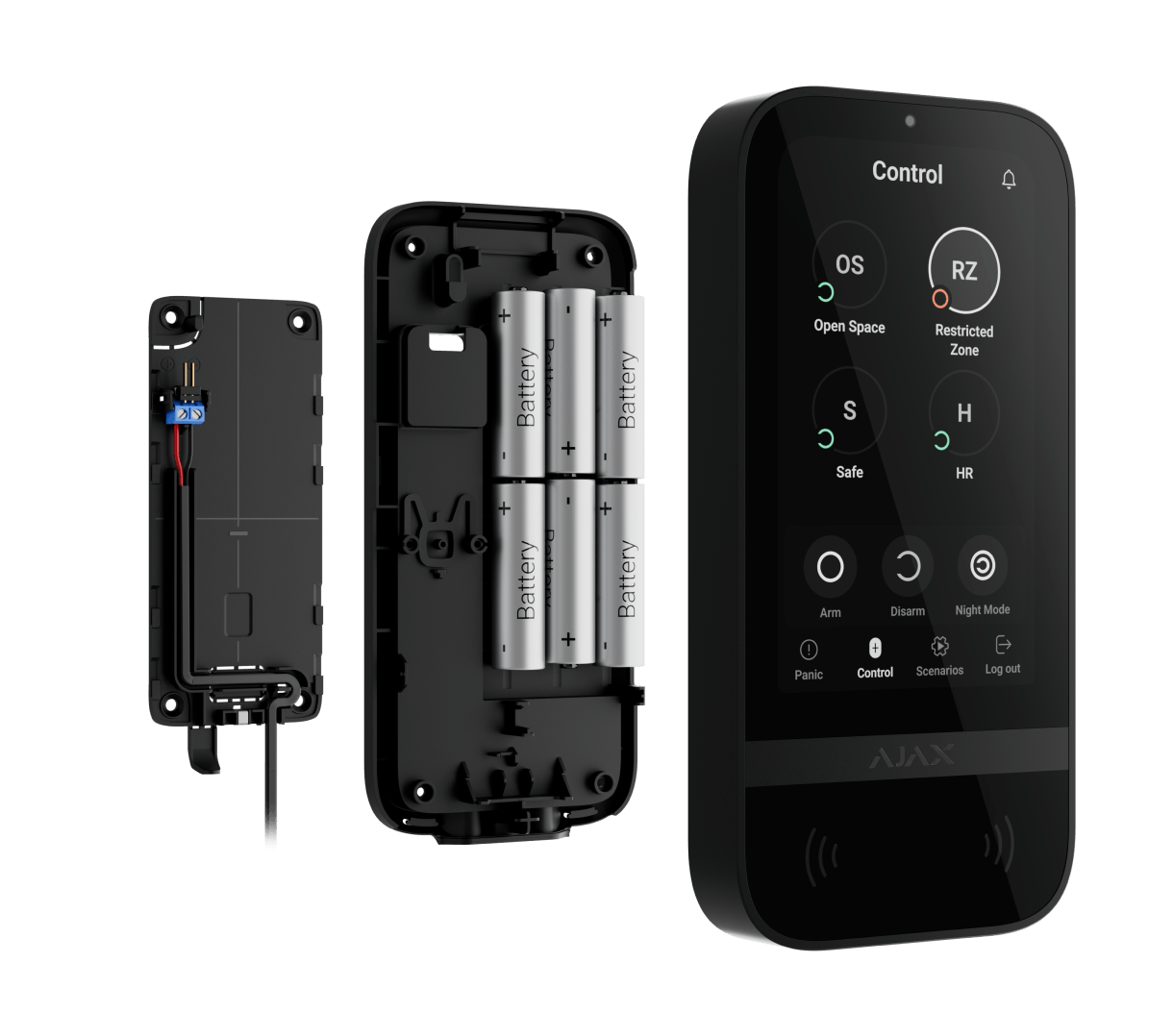
The Jeweller KeyPad TouchScreen combines security management and automation in a single device. Its intuitive touchpad interface mimics Ajax applications and supports multiple languages, making it user-friendly. A large screen, DESFire® technology, Bluetooth Low Energy (BLE), and multiple encryption methods ensure a secure and efficient experience.
One device – Three tasks
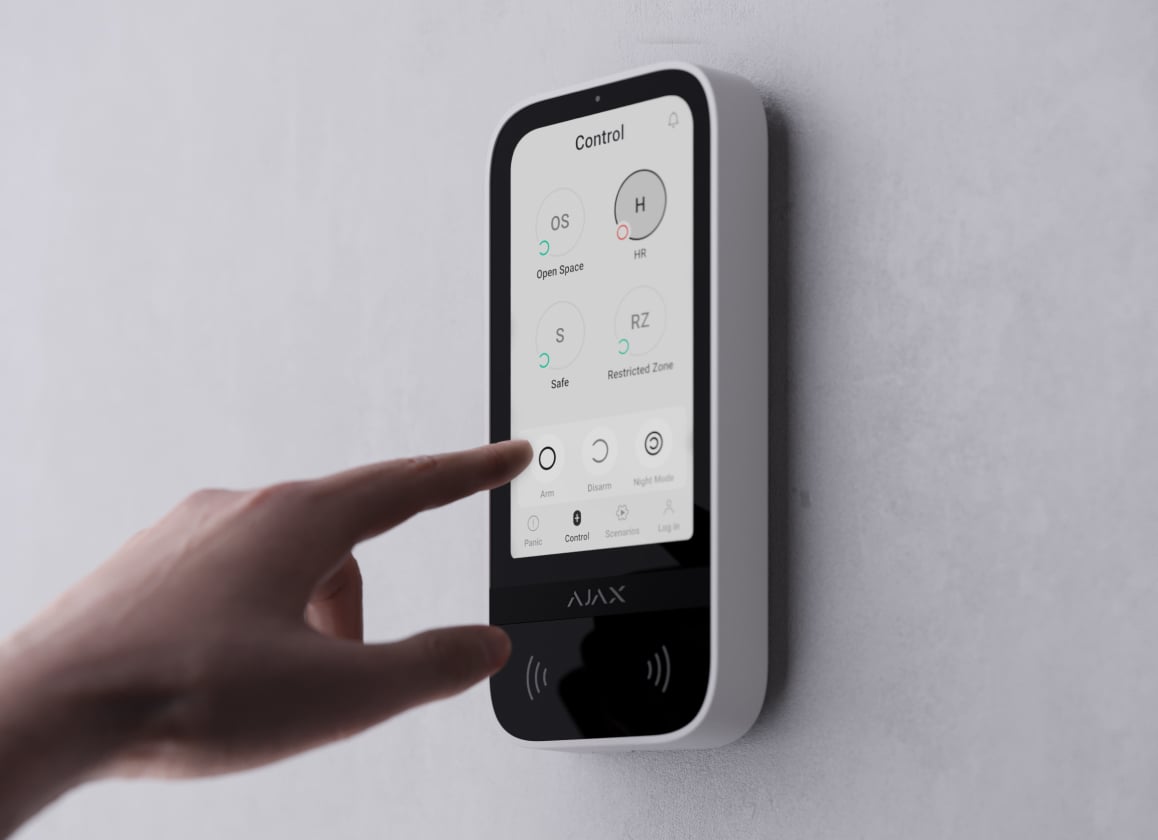
Security management
Easily manage security for multiple groups. Users can view the status of activated areas and make changes with a single touch—whether activating a single group, multiple groups, the entire system, or enabling night mode. The keypad displays security status and entry/exit delay times using colored lights.
Control of automation equipment
The keypad has separate tabs with up to 6 buttons for controlling automation devices. Grouping makes it easy for users to control multiple devices such as switches, relays, or sockets simultaneously. For example, all LightSwitch devices can be assigned to a single button to turn off all the lights in the house before going to bed.

Audio notifications and error warnings
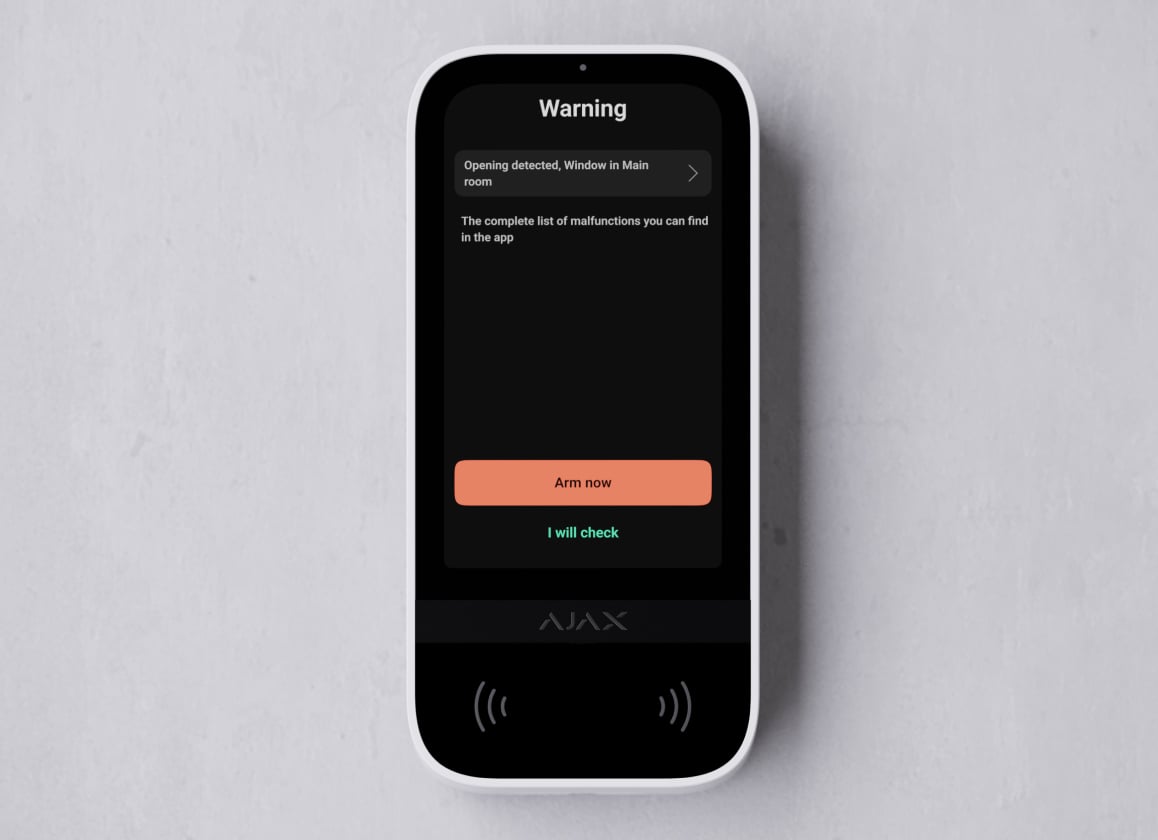
Stay informed of the situation thanks to the integrated siren, which alerts you to alarms, door openings, or delays during entry/exit. Technicians can easily adjust the volume remotely via phone or computer. The keypad also automatically alerts you if a problem occurs when the system is activated.
Three authentication methods
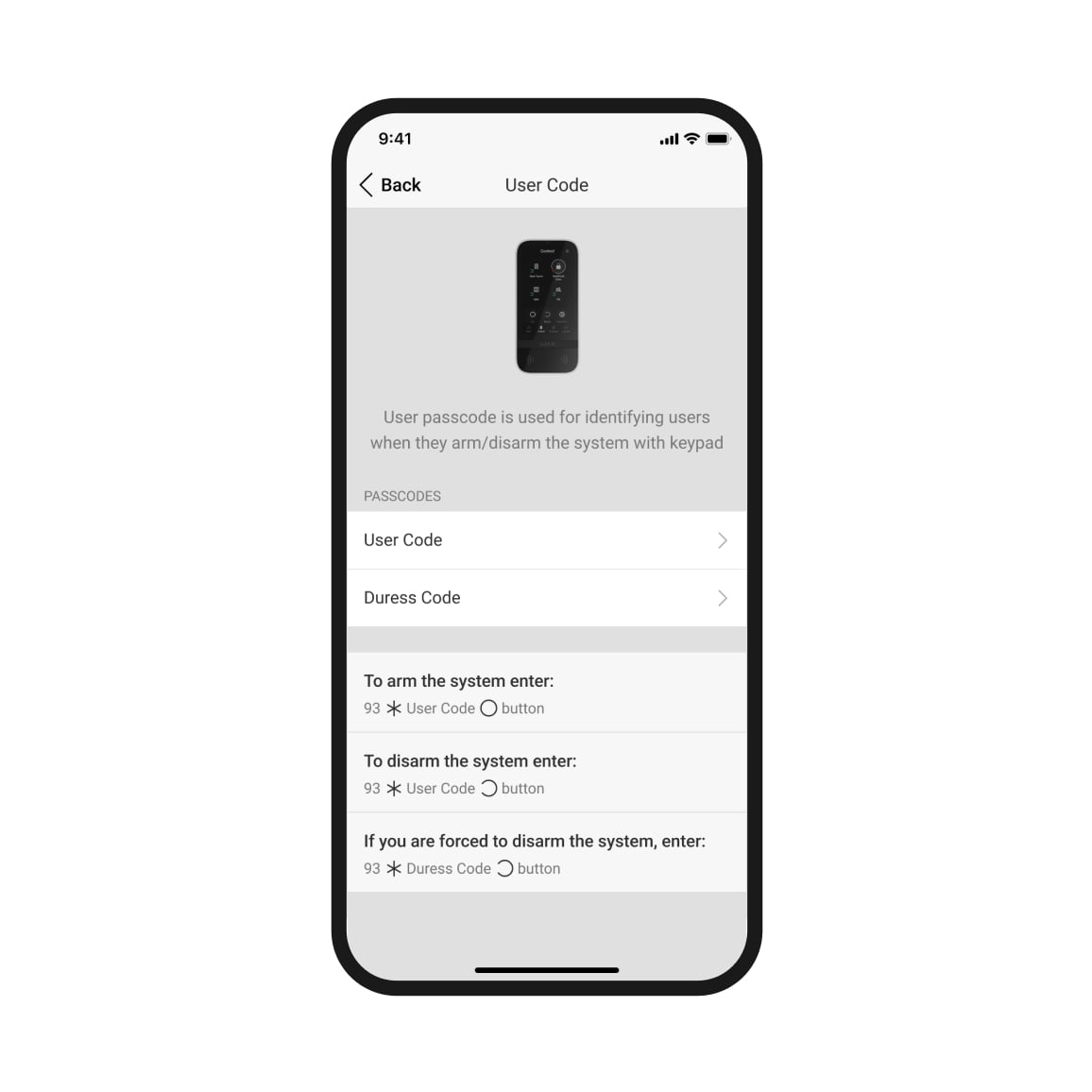
The Jeweller TouchScreen KeyPad supports authentication via smartphone, passcard, contactless keychain, and PIN code. Access information is displayed in the Ajax application. All user activity and authentication details are viewable in the activity log. Administrators can grant, revoke, limit, or cancel access remotely, in real time.
Contactless access device
Both the Pass Card and Tag keychain use genuine DESFire® chips and function identically, albeit in different shapes. One card or keychain can control up to 13 security systems. Access devices are sold separately in sets of 3, 10, or 100.
Remote access management
Remotely change access permissions and codes via Ajax application. Leaked codes can be changed remotely in minutes, without the need for on-site intervention.
Access code for unregistered users
Easily generate access codes in the control center (hub) settings, suitable for office staff, cleaning staff, or visitors. Grant access to unregistered users.
Experience a unique touchscreen display.
The high-resolution display shows all the necessary controls, providing a clear and high-quality visual experience. Automatically adjusting brightness to the environment and crafted from luxurious glass, the Jeweller KeyPad TouchScreen boasts a modern yet practical design.
Battery
The device operates wirelessly and is easy to install. The Ajax app will alert you when the battery is low to ensure uninterrupted security.
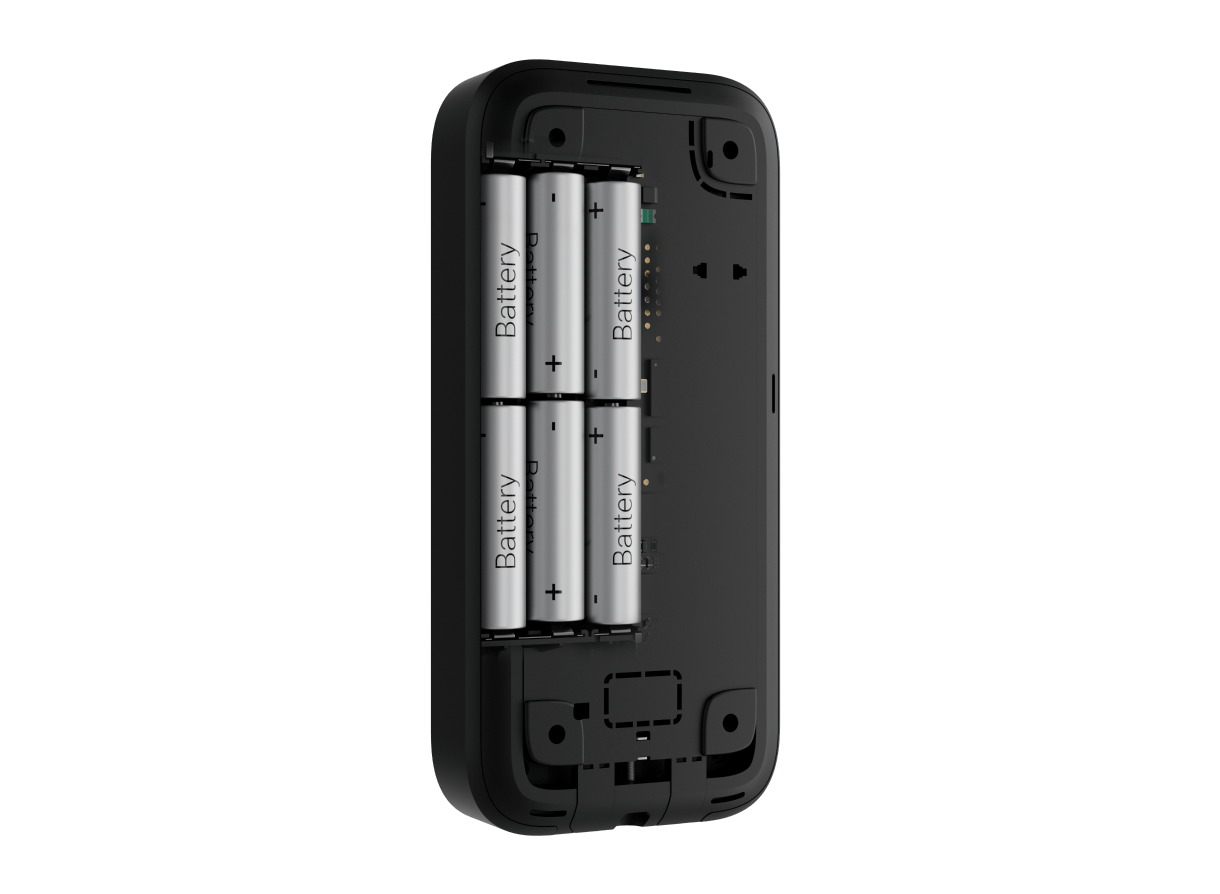
External power source + backup battery
Connect the keyboard to a 12V power source to extend its operating time. The built-in battery will serve as a backup in case of a power outage.