Connecting Hikvision and Ezviz Cameras to the Ajax System
Connect Hikvision and Safire cameras to the Ajax system in just 5 clicks. Ajax places great importance on integration between security systems, so they have added the feature to connect cameras and recorders to the Ajax security system to monitor all situations in the protected area at all times. Today, Ajax launches its integration capability with products from camera manufacturers...

Connect Hikvision and Safire cameras to the Ajax system in just 5 clicks.
Ajax places great importance on the integration of security systems, therefore they have added the feature to connect cameras and recorders to the Ajax security system to monitor all situations in the protected area at all times.
Today, Ajax launches its integration capabilities with products from the world's largest surveillance camera manufacturers. Now you can add Hikvision and Safire IP cameras and DVRs to the Ajax app with just a few taps. In just minutes, you'll have a comprehensive surveillance and alarm system to protect your family.
The advantages of an Ajax image-based surveillance system.
1. Control your security system and surveillance cameras through a single app.
2. Check the situation immediately when an alarm occurs.
3. Quickly access cameras, DVRs, or view live images.
4. Store photographic evidence of the incident in your phone's memory.
Maximize surveillance camera compatibility.
You can connect up to 10 cameras or DVRs to the Ajax system with a Hub, and up to 50 devices with Hub Plus. Furthermore, Ajax does not limit the number of live streams from DVRs connected to multiple cameras. These will be displayed in the "Add Camera" section even if the number exceeds the maximum allowed.
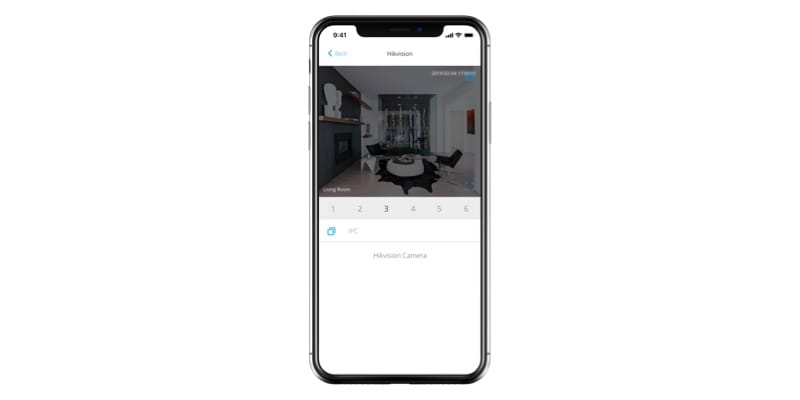
In the Ajax app, you can view images from the camera, pause, rewind, and save screenshots from the live stream to your phone's memory.
Complete privacy mode
All your personal information is secure when you use the Ajax application. The password to access Hikvision's cloud data storage for image storage and live viewing is encrypted and not stored by Ajax. Therefore, only you and those you grant access to can view images from the camera.
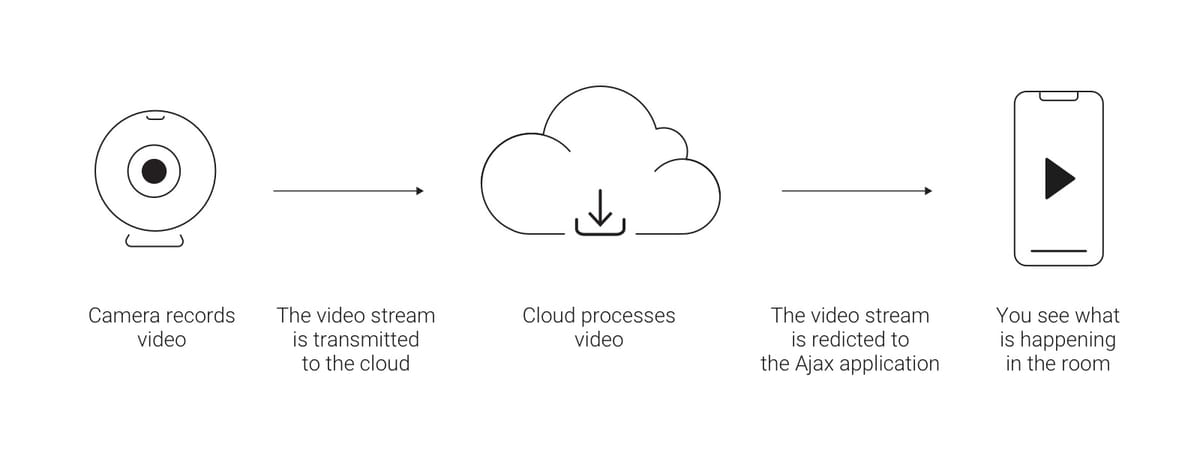
If you need to store video, we recommend using Hikvision's official app and services. Be sure to check the features of the cloud storage service, as some services only work if you pay for them.
Where should I begin?
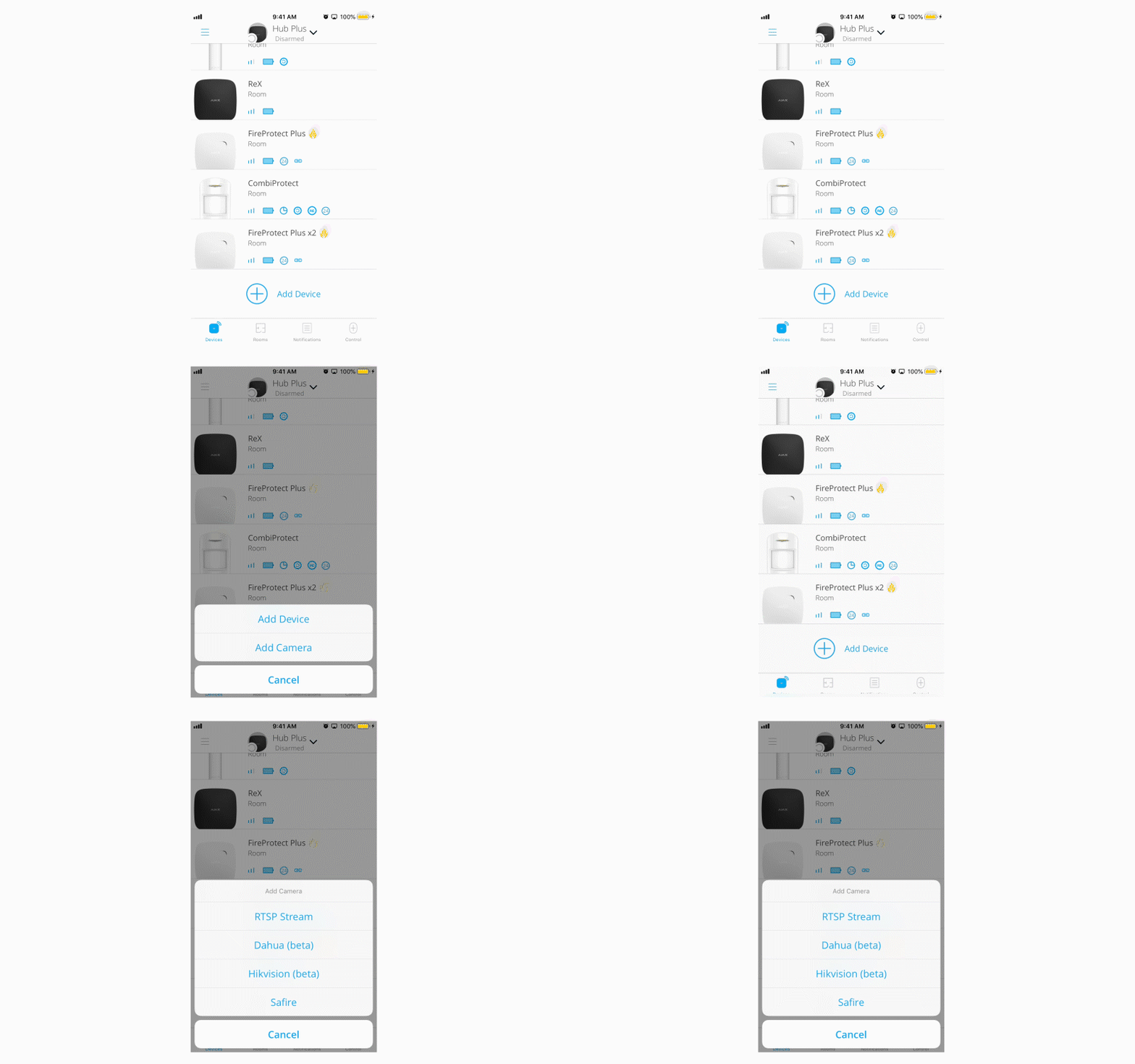
You will need an account on Hikvision's cloud server with the cameras and recorders already added and customized. Log in to the Ajax application (Menu > Video surveillance > Hikvision or Safire).
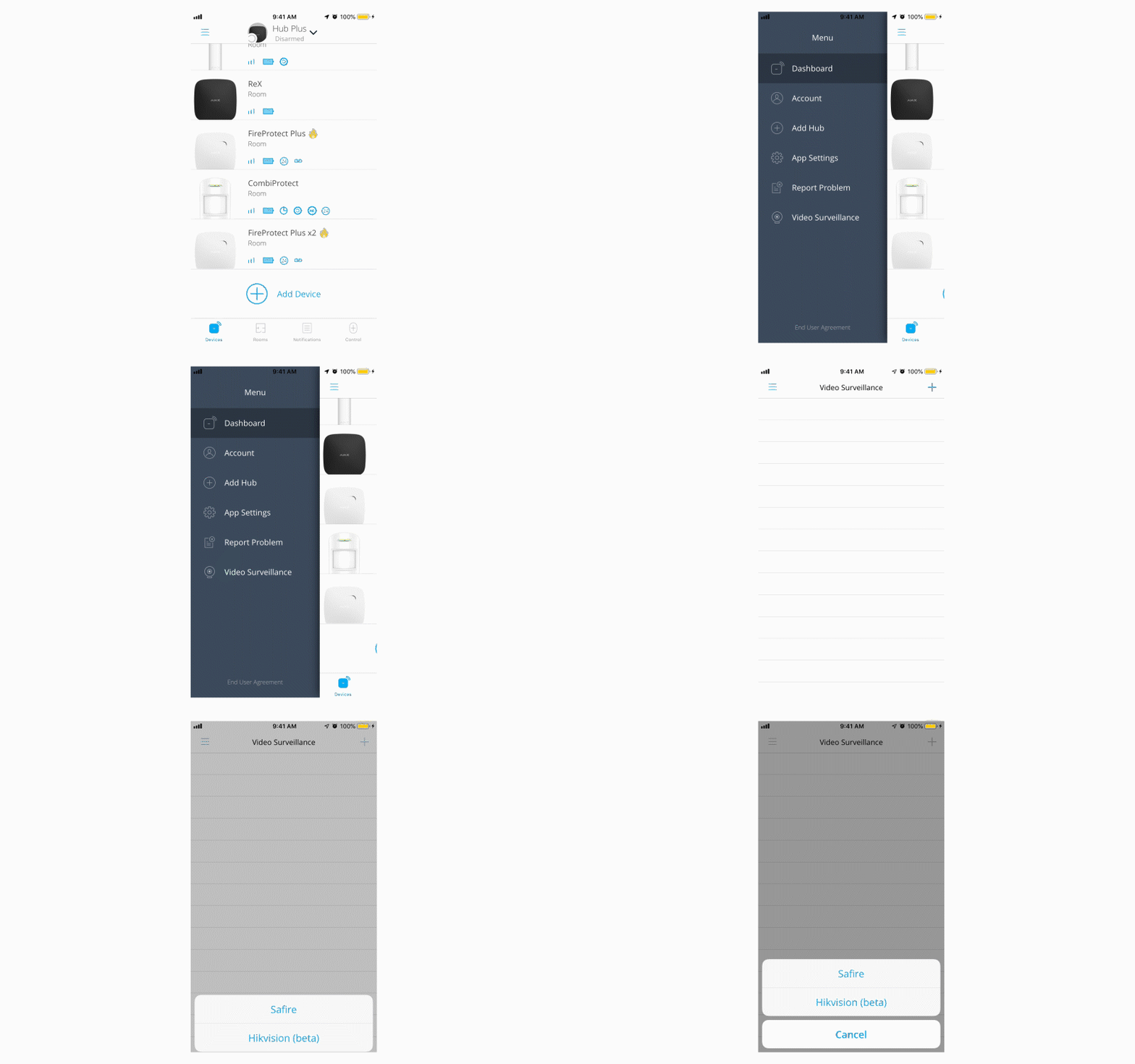
If you don't have an account, you can create and set up a new one through the Ajax app. The cameras are customized and configured using Hikvision's software.
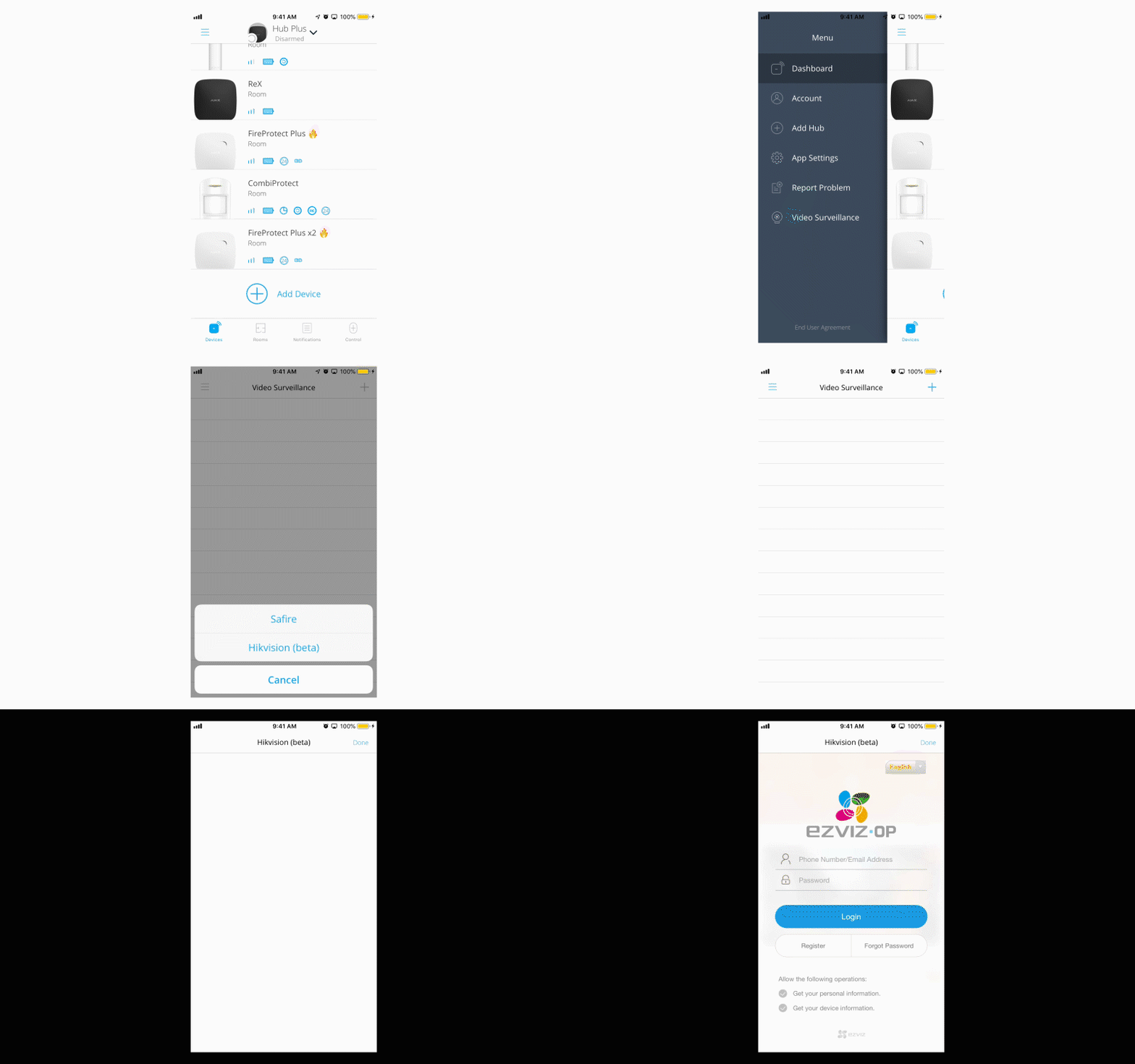
After the account is added, the application will update the available video streams from the cloud server. To link the camera to the Hub, go to Devices > Add camera > Hikvision or Safire.