

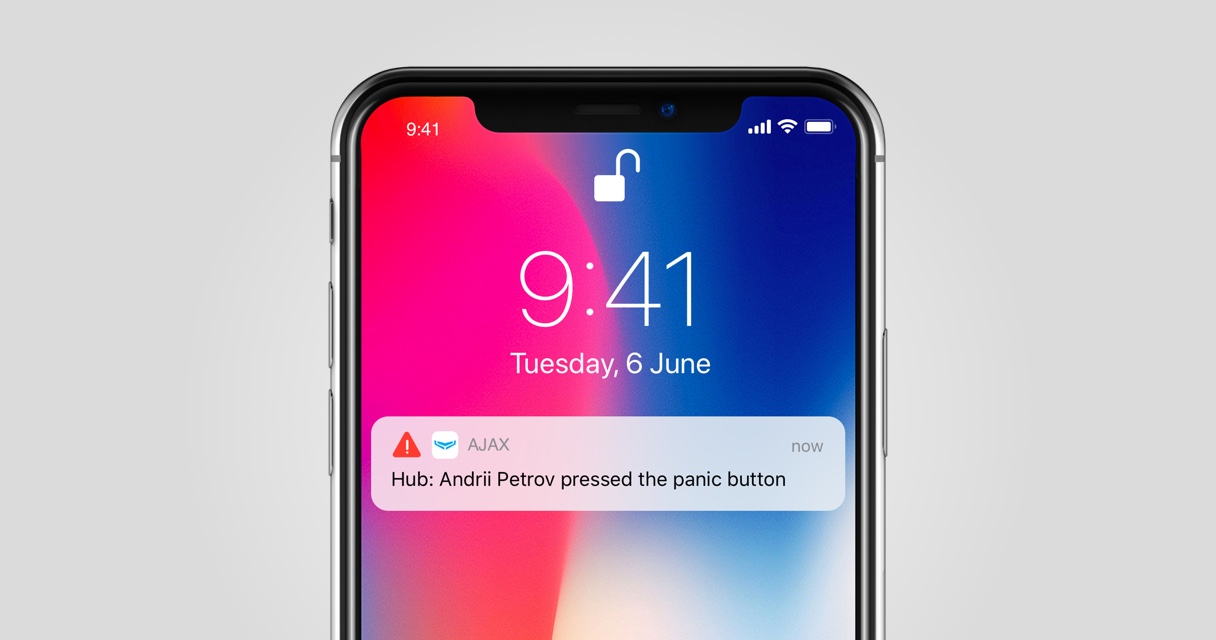
The AJAX security system can easily help you monitor both your home and office, thanks to its advanced alarm system including: SMS notifications, direct phone calls, and notifications on your phone's home screen. Even when you link your personal security system to a monitoring network, you will still receive all notifications about events. This helps you control and react to any potential problems. Therefore, you won't miss any notifications from Ajax.
Different types of Ajax notifications minimize the risk of missing important alerts: intruder detection, smoke detection from fire alarms, or rising water level detection from flood alarms… Notifications on your phone screen require an internet connection to function, but if you are within the device's wireless range, the information will still be delivered to your phone within seconds. However, the SMS feature works perfectly without an internet connection, and direct calls are easily recognized through ringtones and vibrations.
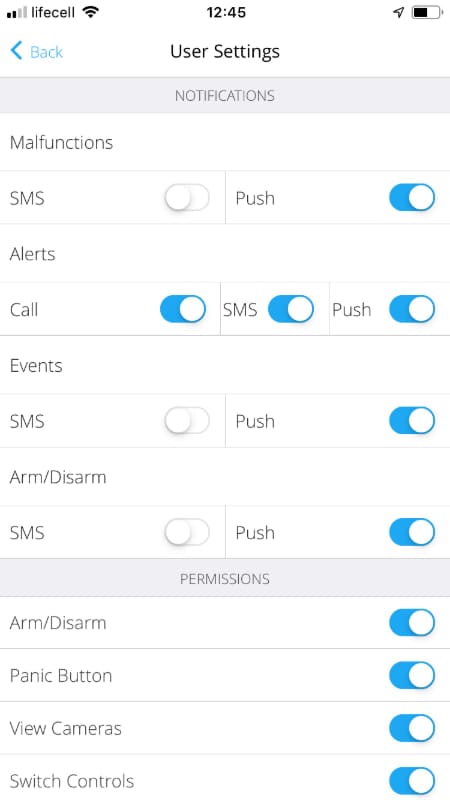
Configure Ajax Security System app notifications.
Even if you've enabled all possible notifications, that doesn't guarantee you won't miss Ajax notifications. The reason is your iPhone's settings! Simply by accidentally setting the volume to the lowest level, switching your phone to silent mode, or putting it on Do Not Disturb mode, you're significantly more likely to miss alerts.
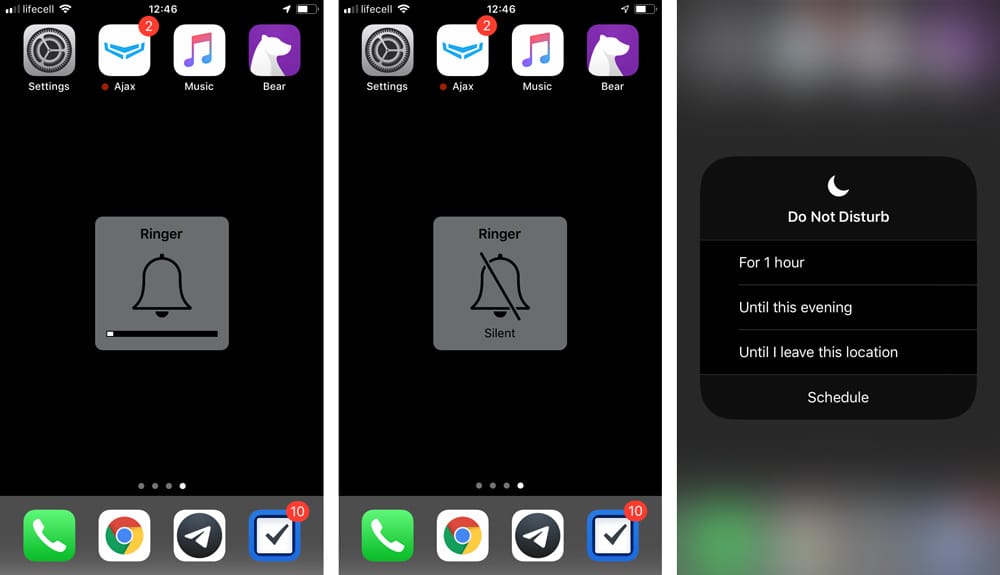
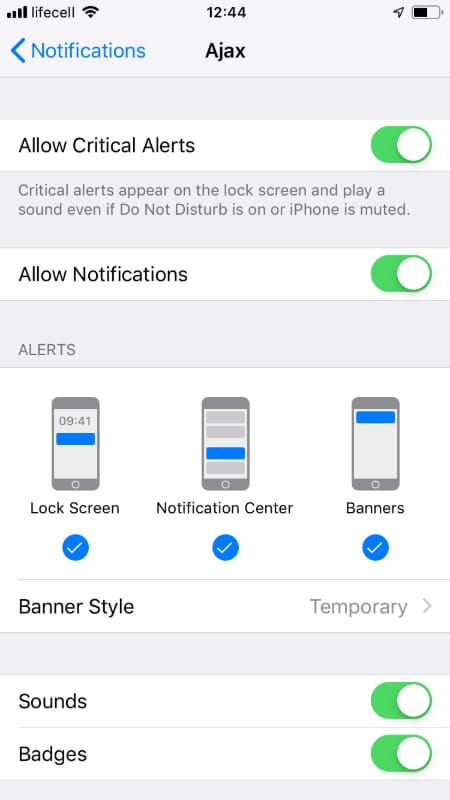
Fortunately, it's not just companies providing services to send important alerts to users who realize their mistakes; Apple itself is doing the same. In iOS 12, Apple added a new notification type – Critical Alerts. Regardless of your phone's current mode, these alerts will sound and appear as a notification on the home screen.
Here's how the Severe Alert feature works:
| Apple supports a Critical Alert feature specifically for apps related to human health, public safety, and personal security issues. To receive these alerts, software developers must demonstrate that the user's need to receive the alert is urgent enough to override device settings. The app must also undergo additional review processes. |
|---|
The Ajax security system application is one of the world's first Apple-licensed security applications to use Critical Alerts. When you launch the application after it has been upgraded to version 2.11.2, you will see a message prompting you to enable this new feature. We strongly recommend that you follow this suggestion!
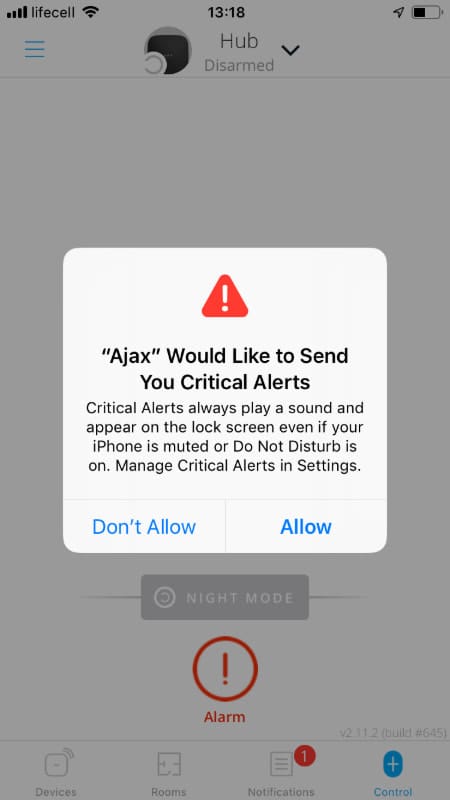
The Ajax security system uses a Critical Alert feature solely to warn you when sensors detect: unauthorized entry, fire, or flooding; when you activate the Emergency Call button on the remote control; or when someone enters the wrong code multiple times on the keypad. These system notifications will not change your phone's audio settings.
To change the settings for Critical Alerts, go to Settings ▻ Ajax ▻ Notifications.
Download the AJAX app on iOS | Android and start building your real security system.